The Explorer Gadget Debuts!
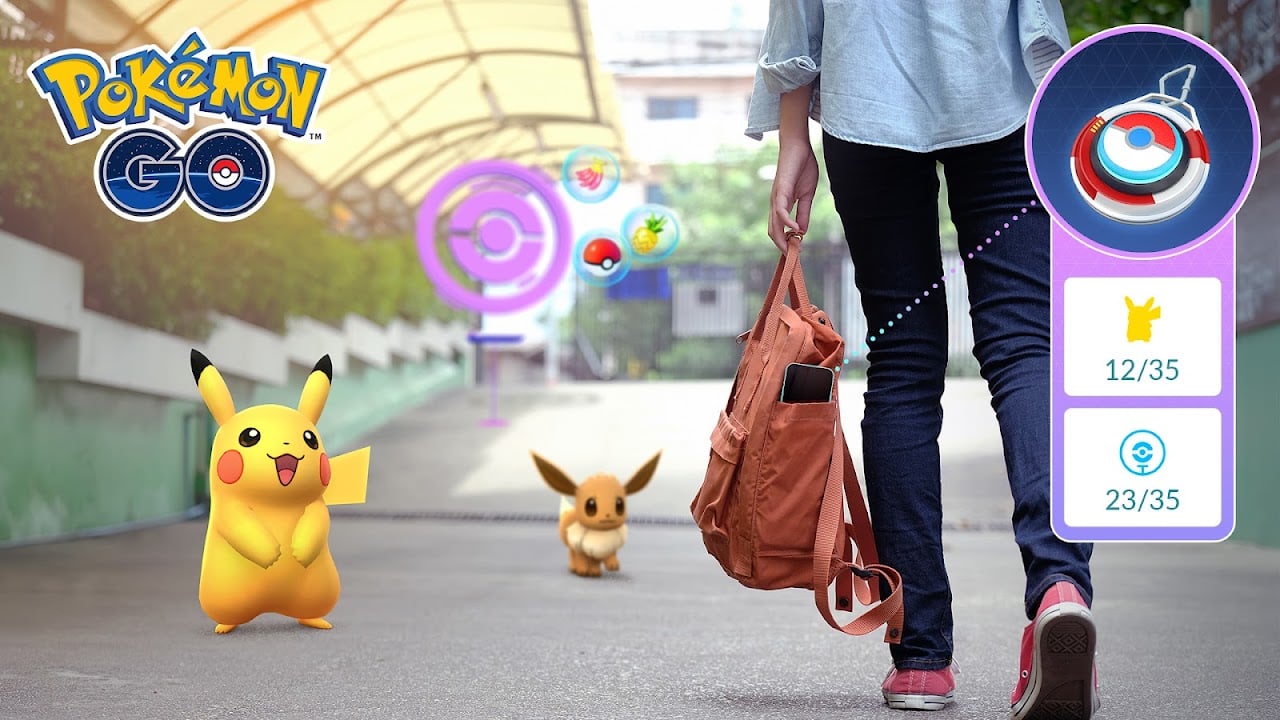
The Explorer Gadget is entering a phased rollout. More information will be shared at a later date about when these features will be available globally. Stay tuned!
Keep the Pokémon GO adventure going—even when your phone is in your pocket! With the new Explorer Gadget, your device will automatically attempt to catch Pokémon and spin PokéStops whether you’re exploring a park, running errands, or simply taking a screen break. Staying connected to the world of Pokémon GO has never been easier.
What is the Explorer Gadget?
For Trainers at level 20 and higher, the Explorer Gadget is a built-in feature that attempts to catch Pokémon by automatically throwing Poké Balls and spinning PokéStops while you explore the real world with Pokémon GO not actively open on your device. The Explorer Gadget will only use Poké Balls, not Great Balls or Ultra Balls.
While playing Pokémon GO with the Explorer Gadget on, you can easily check a summary of what Pokémon were caught, how many were caught, and how many PokéStops were spun by simply selecting the Explorer Gadget icon from the map view (or from the Key Items section in your Item Bag).
How to Use the Explorer Gadget
Using the Explorer Gadget is simple! Trainers at level 20 and higher can just tap the Explorer Gadget icon on the top right of their map view (or find it in the Key Items section of the Item Bag).*
Once activated, feel free to lock your screen and enjoy the world around you! While you move at a casual pace with your smart device on your person, the Explorer Gadget runs in the background, automatically attempting to catch Pokémon and spinning PokéStops.**
The Explorer Gadget has a daily limit for how many Pokémon it can catch and how many PokéStops it can spin based on your Trainer level. Once it has reached this limit, the Explorer Gadget will stop its activity for the day.
Additionally, if you have no space left in your Pokémon Storage or Item Bag, the Explorer Gadget will stop catching Pokémon or spinning PokéStops, respectively.
See the Pokémon GO Help Center article What is the Explorer Gadget? for additional details on this feature.
* For Trainers using an accessory device like a Pokémon GO Plus +, you do not need to unpair the accessory device to use the Explorer Gadget, but the Explorer Gadget and a paired accessory device cannot be active at the same time.
** The Explorer Gadget will not attempt to catch certain encountered Pokémon, such as Pokémon that aren’t yet registered in your Pokédex or mighty Pokémon.
What if I have a Pokémon GO Plus + or other accessory paired?
If you already use a paired accessory device, like a Pokémon GO Plus +, you can still easily use the Explorer Gadget!
From the map view, you can see whether your Explorer Gadget or paired accessory device is currently active.
If you have an accessory device paired with Pokémon GO, activate the Explorer Gadget by selecting it from the Key Items section of your Item Bag.
While you can choose between using the Explorer Gadget or a physical accessory device, they cannot be active at the same time.*
* If you switch to an accessory device while the Explorer Gadget is active, the Explorer Gadget will stop and you won’t be able to use it again until the next day.